
-
Find a FindMe Printer
-
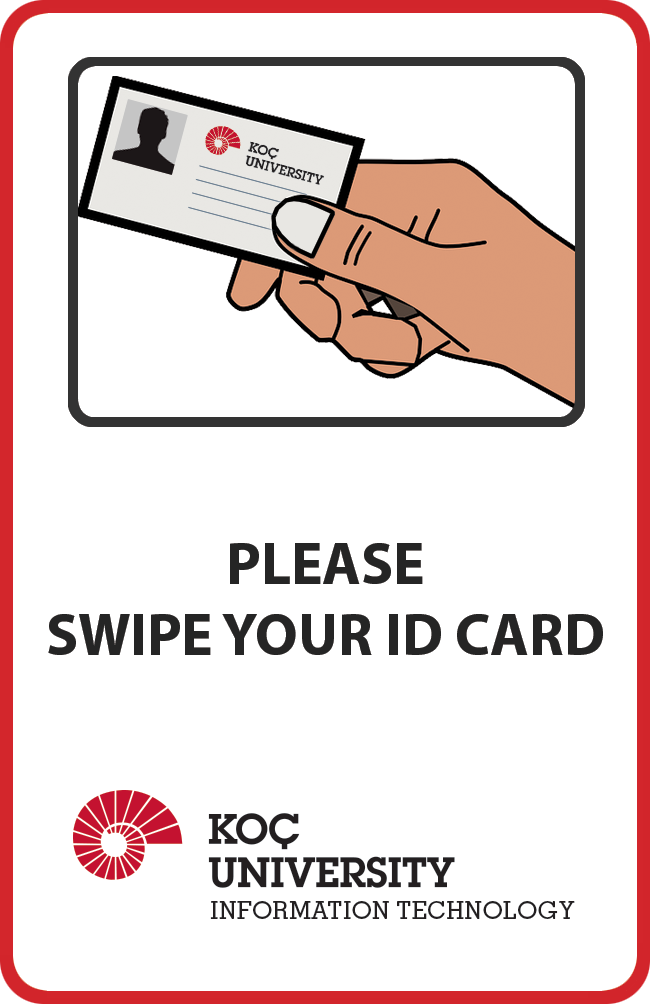
FindMe Printers have signs as shown below.
-
Scan your KU ID Card on the printer.
-
On the Printer touch-screen menu:
-
Enter your KU NetID and tap Next.
-
Enter your KU NetID Password.
-
Tap Next.
-
Watch
Related Content
- Printing and Copying
- Two-sided Printing
- FindMe Printing setup for Mac Users
- FindMe Printing setup for Linux Users
- FindMe Printing: FAQ
- FindMe Printing: How to release your job at the Printer?
- Mac: Authenticate to FindMe Printers
- FindMe Printing: Card Registration
- FindMe Printing via Web Browser
- FindMe Printing via E-Mail