Ensure that the AKIS application is installed on your computer.
(If it is not installed, you can download and install it via the link)
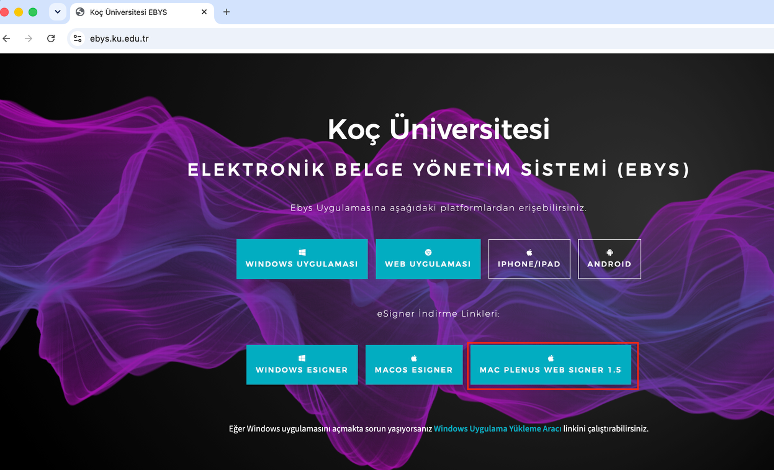
Visit ebys.ku.edu.tr via Edge, Firefox or Google Chrome, and download the installation package by clicking MAC PLENUS WEB SIGNER 1.5
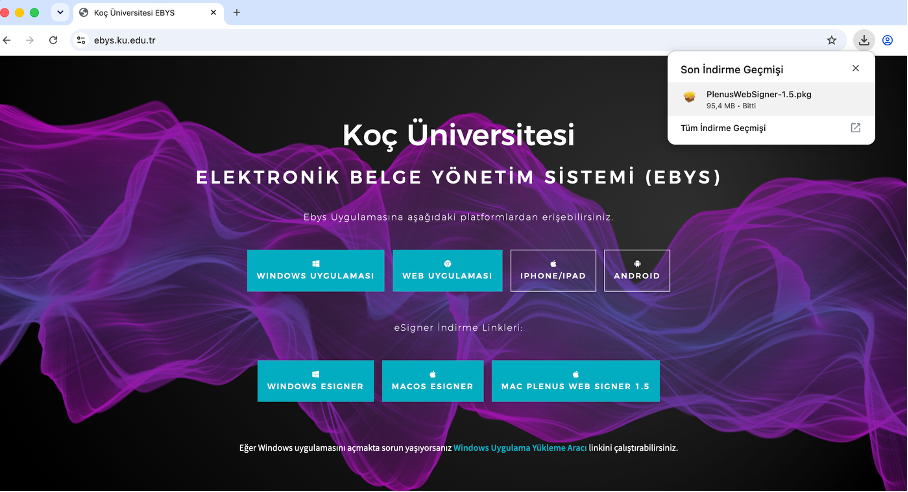
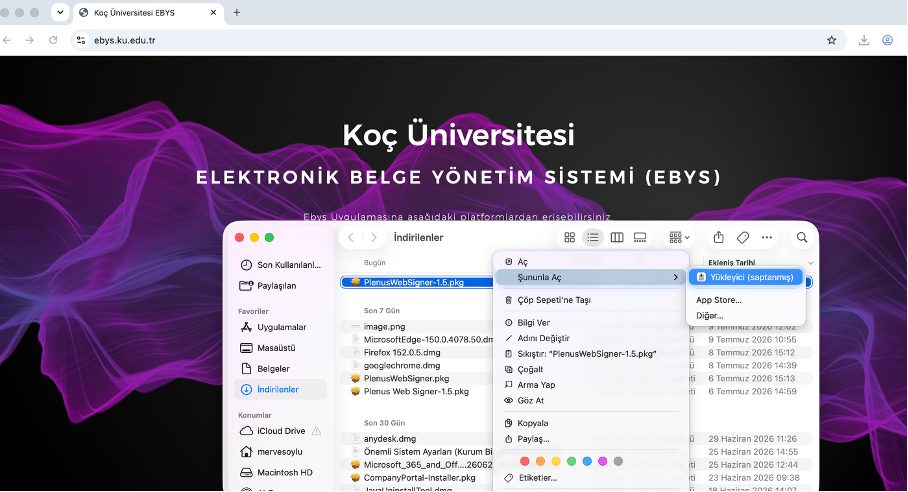
If a security prompt appears, open System Settings > Privacy & Security under the Security section, click Open Anyway.
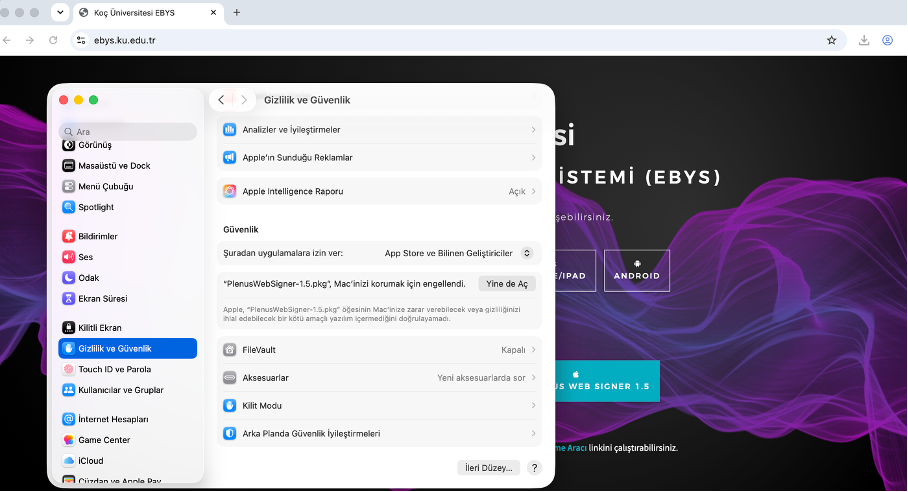
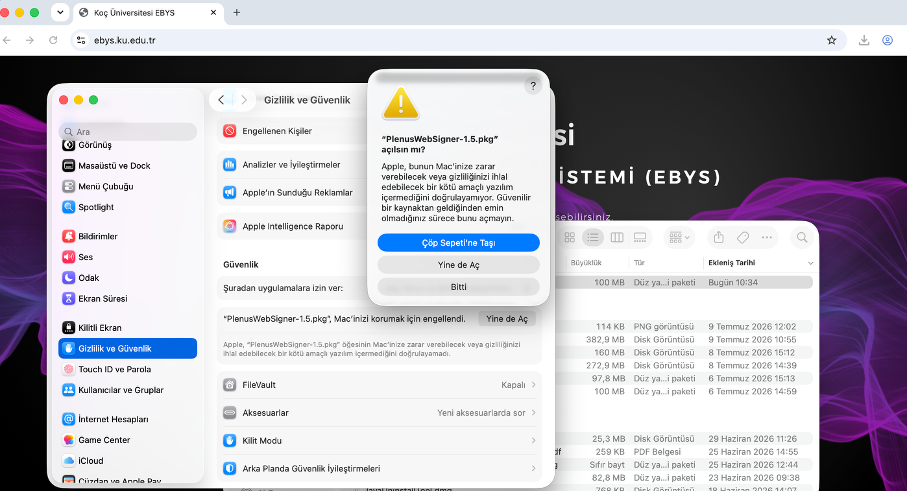
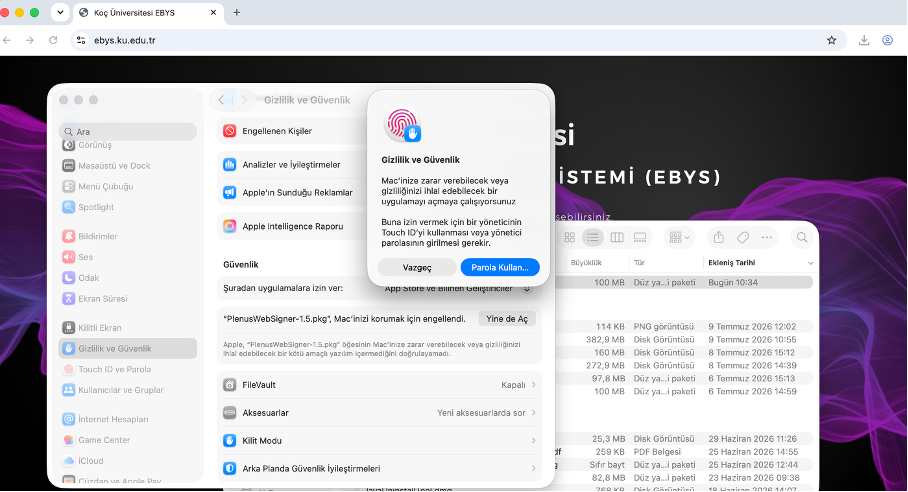
Confirm the warning by clicking Open Anyway again, and authenticate using your Touch ID or system password if prompted.
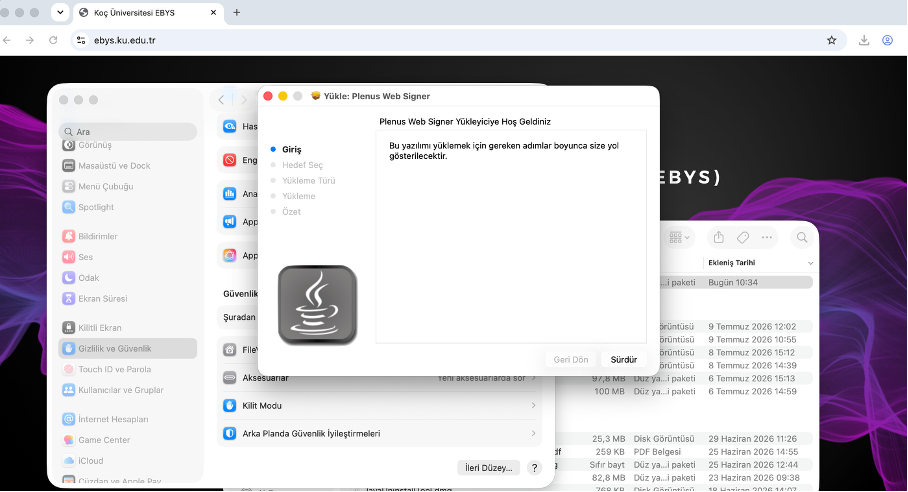
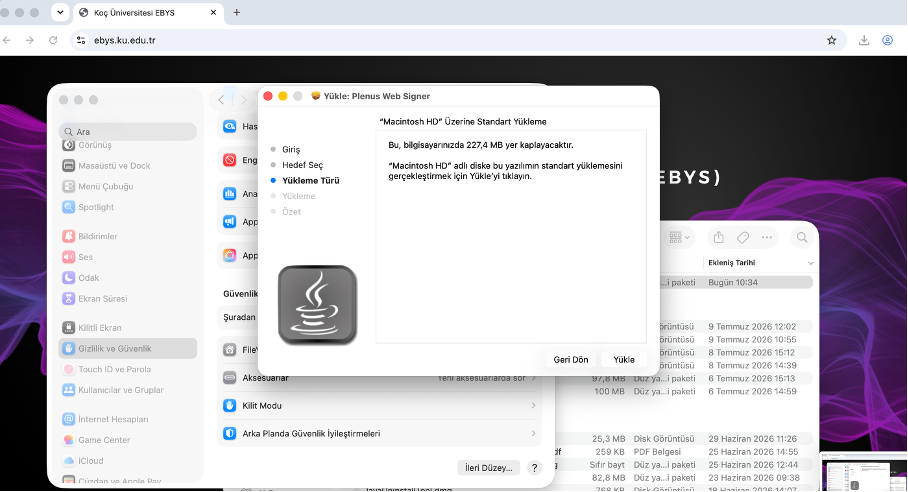
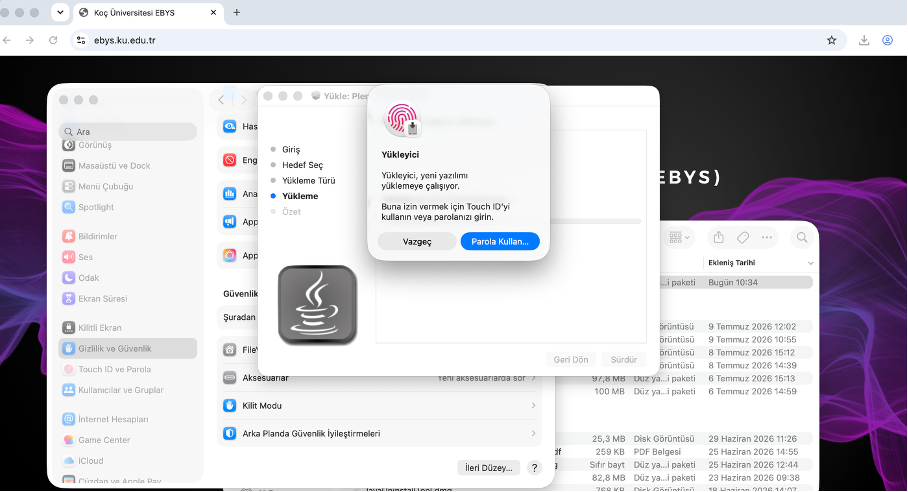
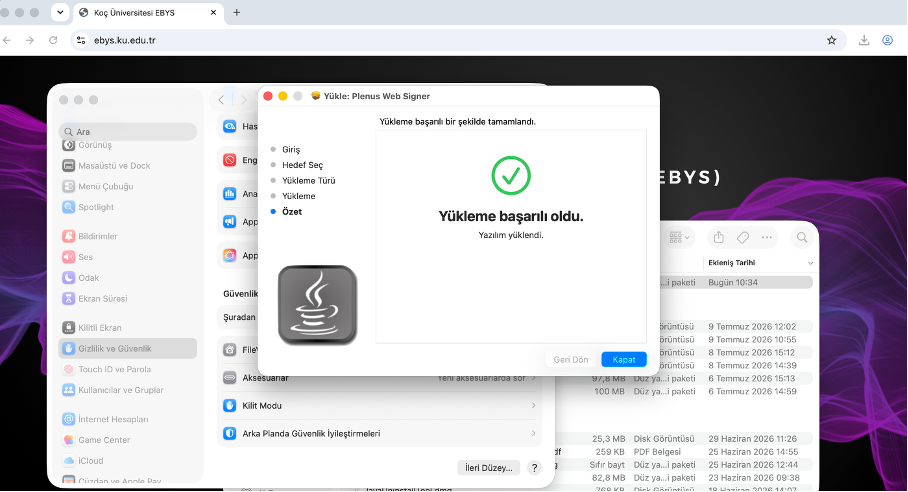
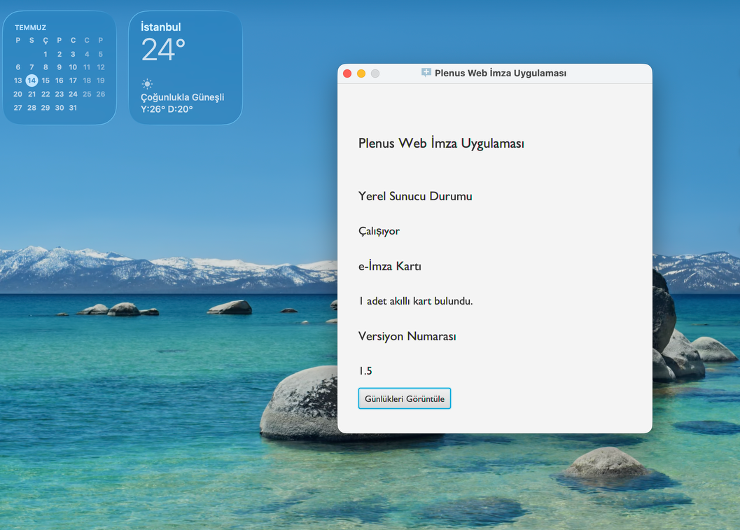
Once installed, insert your e-signature token into your computer and launch the Plenus Web Signer application. Verify that your smart card is detected.
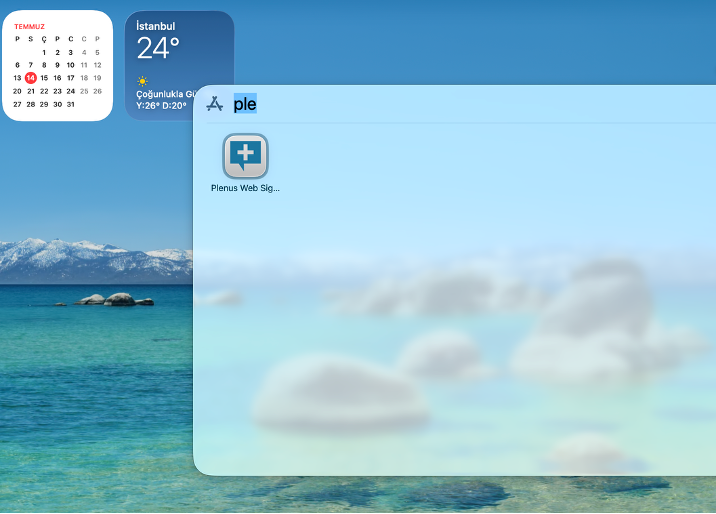
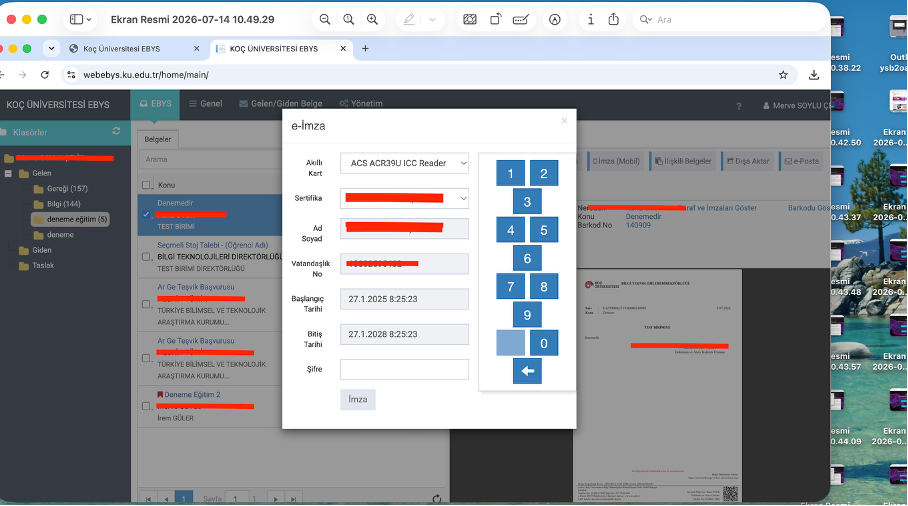
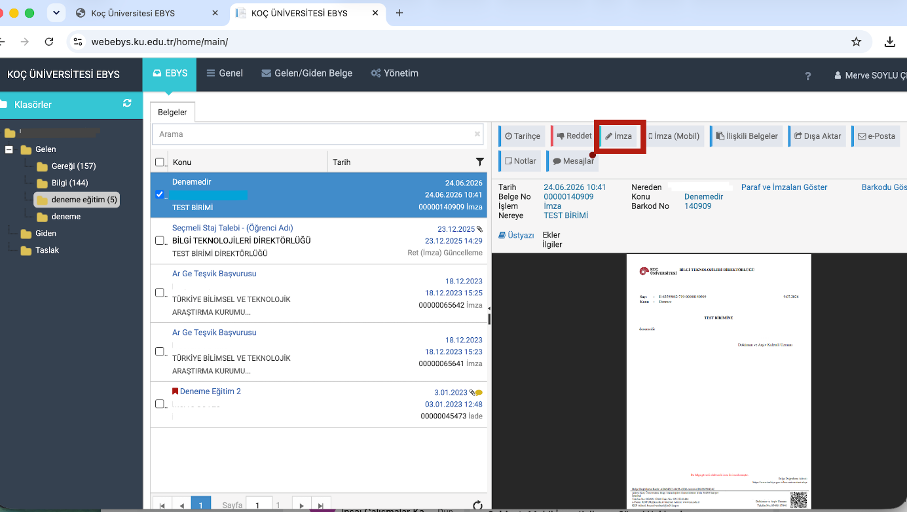
Log in to your EBYS account at webebys.ku.edu.tr, open the document you wish to sign, and click the Sign button.
Once your e-signature details are displayed, enter your PIN and click Sign to complete the process..